
Tech Accessories: Essential Gear That Actually Makes Your Devices Better
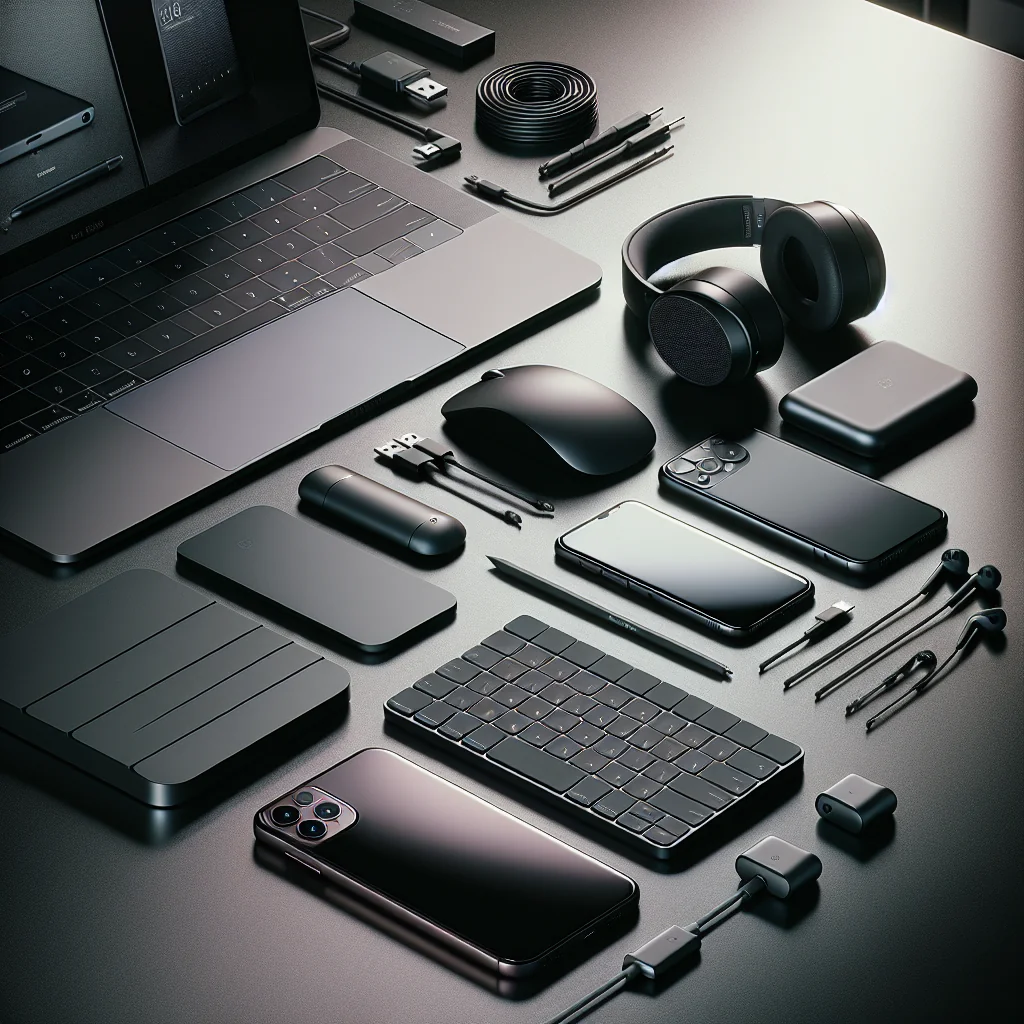
Tech accessories can turn a good device into a great daily tool. The right charger, case, keyboard, or headset can boost comfort, protect your gear, and save time. The wrong accessory adds clutter, breaks fast, or never leaves the box.
This guide walks through the most useful tech accessories for phones, laptops, tablets, and gaming. You will see what each accessory does, who needs it, and what to look for before you buy.
How to choose tech accessories that are worth your money
Before looking at specific gadgets, it helps to have a simple filter. A clear checklist stops impulse buys and focuses you on accessories that improve daily use.
Use this quick checklist whenever you consider a new accessory.
- Purpose: Does the accessory solve a real problem you have?
- Frequency: Will you use it at least weekly, not just “someday”?
- Compatibility: Does it match your device’s ports, size, and software?
- Quality: Are materials and reviews decent, not the cheapest option only?
- Portability: Is the size and weight realistic for how you move around?
- Cables and standards: Does it support current standards like USB‑C or Bluetooth?
- Safety: For chargers and batteries, does it list safety certifications?
If an accessory fails more than one of these points, skip it and your bag will stay lighter and tidier.
Core tech accessories almost everyone benefits from
Some tech accessories help nearly every user, no matter the brand or platform. These focus on power, protection, and comfort, which matter daily.
Chargers, cables, and power banks
Power accessories keep devices ready when you need them. A weak cable or charger wastes time and can damage batteries over the long term.
Look for chargers that support your device’s fast-charge standard. For example, USB Power Delivery (USB‑PD) helps many phones, tablets, and laptops charge faster. A good power bank should charge your main device at least once, and have clear capacity and output labels.
For cables, choose thicker, flexible ones with reinforced ends. Avoid very cheap, unbranded cables for high-power charging, as they may overheat or fail early.
Cases, sleeves, and screen protection
Protective tech accessories save you from broken screens and dents. A slim case or sleeve is often enough for daily use, while heavy-duty cases suit travel or field work.
Phone and tablet cases should protect corners and have raised edges around the screen and camera. Laptop sleeves should match your exact size and have padding on all sides, including the zip area.
For screen protectors, glass types feel closer to the original screen, while film types can reduce glare or add privacy. Install slowly in a dust-free area to avoid bubbles.
Headphones, earbuds, and microphones
Audio tech accessories affect calls, meetings, and focus. Even basic earbuds are a big step up from laptop speakers in noisy places.
Choose over-ear headphones for comfort during long sessions and better noise isolation. Pick in-ear earbuds for travel, workouts, and pockets. If you join many calls, a simple USB or 3.5 mm microphone can make your voice much clearer for others.
Check for features you care about: noise cancelling, multipoint Bluetooth, or a wired backup option. Avoid models that lock you into a single app or ecosystem unless you are sure you will stay there.
Tech accessories that upgrade your phone experience
Smartphones are now cameras, wallets, and work tools. A few focused accessories can make phones easier to hold, charge, and use all day.
Grips, stands, and mounts
Phone grips and stands help with long reading sessions, photos, and video calls. They also reduce drops.
Choose a grip that lies flat or folds so the phone still fits pockets. For stands, look for stable bases and adjustable angles for both portrait and landscape use.
Car mounts should attach firmly to the dash, vent, or windscreen and hold the phone secure over bumps. Check that your case thickness works with the mount if it uses magnets or clamps.
Wireless chargers and mobile payment accessories
Wireless chargers offer easy “drop and charge” use at desks and nightstands. They work best when you often top up your phone during the day.
Look for certified chargers that match your phone’s wireless standard. Stands are useful for video calls and notifications, while flat pads suit bedside tables.
For mobile payments, slim card holders that attach to the back of the phone can replace a small wallet. Make sure they do not block wireless charging or NFC payments if you use them.
Tech accessories that make laptops more like workstations
Laptops are built for movement, but many people use them for long desk sessions. The right tech accessories can reduce strain and speed up work.
External keyboards, mice, and trackpads
A separate keyboard and mouse let you place the laptop higher, closer to eye level. This reduces neck and back strain while typing.
Mechanical keyboards give strong feedback and last long, while slim membrane or scissor-switch options save space. Wireless mice reduce cable mess, but wired ones avoid battery changes and lag for gaming.
Check layout (full-size, tenkeyless, compact) and key language before buying. For shared offices, quieter switches and smooth scroll wheels are kinder to others.
Laptop stands, hubs, and docking stations
Laptop stands raise the screen and improve airflow. A simple metal stand often works well and packs flat for travel.
USB‑C hubs and docking stations expand your ports. Common extra ports include HDMI, Ethernet, extra USB‑A, SD card readers, and audio jacks.
Confirm that your laptop supports video output over the USB‑C port. Some ports charge only, while others handle data and displays.
Useful tech accessories for tablets and e‑readers
Tablets sit between phones and laptops. The right accessories help them replace notebooks, sketchpads, or small laptops.
Styluses, pens, and drawing tools
A good stylus turns a tablet into a note or drawing device. Pressure-sensitive pens help artists, while basic styluses are fine for quick notes.
Check for palm rejection, tilt support, and low input delay. Some pens charge wirelessly on the tablet edge, which is convenient and hard to lose.
Screen protectors with a paper-like finish can make writing feel more natural but may add slight screen grain.
Keyboard cases and stands
Keyboard cases protect the tablet and add laptop-style typing. They suit students, travelers, and anyone who writes often on a tablet.
Choose a case that supports several viewing angles and has firm key travel. Some connect through a smart connector; others use Bluetooth and need charging.
If you prefer a bare tablet, a separate stand can still hold it upright for movies, recipes, or calls.
Gaming-focused tech accessories for comfort and control
Gamers rely on fast input and long comfort. Gaming tech accessories focus on control, sound, and ergonomics.
Controllers, mice, and headsets
Dedicated game controllers give better control on consoles, PCs, and even phones. Wired models reduce input delay, while wireless models give more freedom.
Gaming mice often include adjustable DPI, extra buttons, and shapes for different grips. Test size and weight if possible, as comfort varies by hand size.
Headsets with clear microphones help in team games. Look for comfortable padding, adjustable bands, and simple volume and mute controls on the cable or earcup.
Chairs, wrist rests, and other comfort gear
Long gaming sessions can strain your back, wrists, and shoulders. Simple ergonomic accessories help prevent pain.
A supportive chair with adjustable height and back angle is more important than flashy colors. Wrist rests under keyboards and mice keep wrists straight and reduce pressure.
Monitor stands that place screens at eye level also reduce neck strain. Even small adjustments can make hours of use more comfortable.
Quick comparison of common tech accessories by main benefit
This table groups popular tech accessories by the main benefit they bring. Use it to spot gaps in your setup.
| Accessory type | Main benefit | Best for |
|---|---|---|
| Chargers, cables, power banks | Reliable power and faster charging | Everyone with mobile devices |
| Cases, sleeves, screen protectors | Physical protection and longer device life | People who carry devices daily |
| Headphones, earbuds, microphones | Better sound for calls, music, and media | Remote workers, commuters, students |
| Keyboards, mice, laptop stands | More comfort and faster typing | Office workers, writers, coders |
| Styluses and keyboard cases | Note-taking and light laptop replacement | Students, artists, tablet users |
| Controllers and gaming headsets | Better control and team communication | Console and PC gamers |
If you see a benefit that matters to you but lack the matching accessory, that is a good place to invest next.
Keeping your tech accessories organized and working longer
Good accessories last longer with simple care. Organization also saves time and reduces stress when you pack or move between places.
Use small pouches or cable ties to group chargers and cables. Keep high-heat items, like power bricks, in open spaces so they can cool. Clean cases, keyboards, and headphones with a soft cloth and mild cleaner, avoiding ports and openings.
Every few months, check for frayed cables, loose connectors, and worn padding. Replacing a failing accessory early can protect the more expensive device connected to it.